
Can water-damaged electronics be saved? Sometimes. The survival of your device depends entirely on the first five minutes. You must immediately unplug the device and remove the battery. Above all else, do not press the power button to "test" if it still works. Pressing the power button while the circuits are wet is what actually kills the device.
Water and electricity are a spectacular combination if your goal is to permanently destroy expensive hardware. Whether it is a smartphone dropped in a toilet or a $2,000 flat-screen television sitting in a flooded basement, your immediate reaction usually dictates whether the item goes to a repair shop or a landfill.
Unfortunately, the internet is full of terrible advice regarding wet electronics. Let's kill the myths, establish the immediate triage steps, and look at what your insurance actually covers.
The First 5 Minutes: Stop the Bleeding
Water itself rarely destroys an electronic device immediately. The damage occurs when electricity tries to travel through a wet circuit board, causing a massive short circuit. If you remove the power source, you stop the short circuit.
- Kill the power: If the device is plugged into a wall, unplug it (safely). If it runs on a battery, remove the battery immediately.
- Strip it down: Remove phone cases, SIM cards, SD cards, and any external hard drives or flash drives. Open all the rubber port covers to let air in.
- Do not press the power button: This is the most common mistake. People pull a wet laptop out of a puddle and immediately hit the power button to see if it survived. You just forced electricity through a wet motherboard. You just killed it.
- Do not use a hair dryer: A hair dryer will melt the delicate internal adhesives and warp the thin plastic components inside a modern smartphone or laptop.
The Rice Myth (And What Actually Works)
For over a decade, the standard advice for a wet phone has been to bury it in a bowl of uncooked rice. This is terrible advice.
| The Method | The Reality |
|---|---|
| The Rice Method | Rice is a weak desiccant. Worse, the fine starch dust and small grains get lodged inside your charging port and speaker grills. When the starch mixes with the water inside your phone, it creates a corrosive paste that eats your motherboard. |
| The Silica Gel Method | Those little "Do Not Eat" packets that come in shoe boxes are industrial desiccants. Placing your phone in an airtight Tupperware container with a handful of silica gel packets for 48 hours is vastly superior to rice. |
| The Airflow Method | For larger devices (laptops, game consoles), stand them up in a "tent" position and point a standard room fan directly at them for 72 hours. |
The Salvage Matrix: Keep or Toss?
Not all water is created equal. The type of water and the type of device dictate your next move.
High Probability of Survival
- Smartphones in clean water: Most modern phones have some degree of water resistance. If dropped in a clean sink and dried properly with silica, they usually survive.
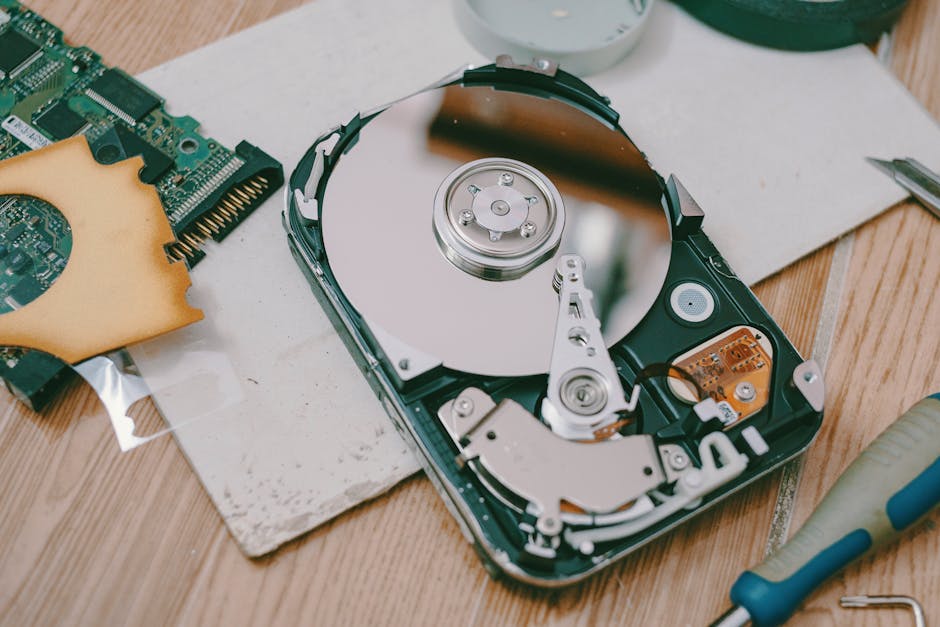
- Hard Drives (Data): Even if a laptop is completely destroyed, the internal hard drive or SSD can often be removed. A professional data recovery service can usually extract your photos and documents for a fee.
Zero Probability of Survival
- Saltwater exposure: Dropping a camera in the ocean is a death sentence. Saltwater causes aggressive, instantaneous galvanic corrosion on circuit boards.
- Flooded Televisions: If floodwater reaches the bottom of a flat-screen TV, capillary action pulls the dirty water up between the microscopic layers of the display panel. You cannot dry the inside of an LCD panel. It is dead.
- Sewage/Black Water: If your stereo receiver was sitting in a basement flooded with a sewage backup, throw it away. The biohazard risk of cleaning it outweighs the replacement cost.
Insurance and Electronics
If your house floods or a pipe bursts, your electronics are covered under the Personal Property section of your homeowners or renters insurance policy.
However, you must know if your policy pays Actual Cash Value (ACV) or Replacement Cost Value (RCV). If you have an ACV policy, the insurance company will aggressively depreciate your electronics. That three-year-old $1,500 MacBook might only fetch a $300 payout because technology depreciates incredibly fast.
Frequently Asked Questions
Can a flooded TV be fixed?
Practically speaking, no. Modern flat-screen TVs consist of multiple extremely thin layers of glass, polarizing film, and LEDs. When dirty floodwater seeps between these layers, it is impossible to clean them out without destroying the display entirely. If your TV took on floodwater, document it for insurance and throw it away.
Is it safe to charge a phone after it gets wet?
Absolutely not. You must wait a minimum of 48 hours for the charging port to completely dry. Plugging a charging cable into a wet port will instantly short out the charging pins and permanently damage the motherboard. Many modern phones will display a "liquid detected in connector" warning and refuse to charge.
How much does professional data recovery cost?
If your laptop or external hard drive is ruined but you desperately need the files, professional data recovery services usually charge between $300 and $1,500 depending on the severity of the damage. Do not attempt to plug a wet hard drive in yourself; you may cause a mechanical head crash that permanently destroys the data.
Does a hair dryer work for drying electronics?
No. Using a hair dryer is one of the worst things you can do. The intense heat will melt the internal adhesives holding your screen together, warp plastic components, and potentially damage the lithium-ion battery. Only use room-temperature airflow (like a desk fan) to dry electronics.
Dealing with massive property loss? Find restoration services near you through our verified contractor network.